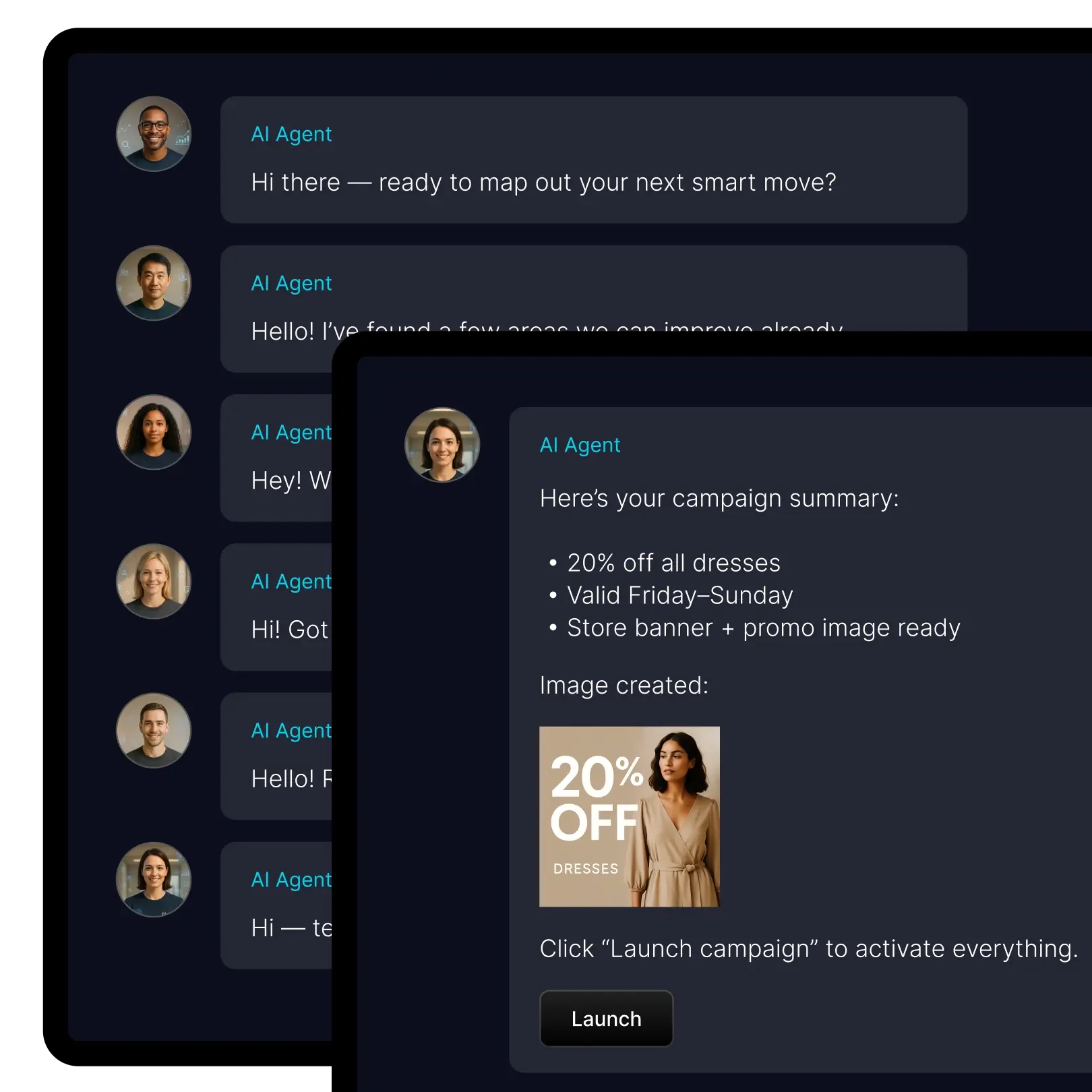
Get a team of professionals behind you

Your store shouldn’t be limited by headcount. With digital experts on demand, you can execute work that normally requires specialists — without waiting, outsourcing, or slowing down.
Header image

Operate like a bigger team

Keep shipping improvements even when you’re busy. Specialist work becomes something you can run routinely, not something you postpone until you have “more capacity.”

Move faster than competitors

Launch promotions, refresh product pages, and improve store content continuously. In commerce, speed is a compounding advantage: faster iteration creates better conversion and faster growth.

Keep quality consistent at scale

As volume grows, quality usually becomes uneven. A workforce lets you define rules and standards so execution stays aligned across products, pages, and campaigns.

Shift founder time to high-leverage work

Move your time away from maintenance and toward decisions: what to sell, how to position, what to improve next, and how to grow sustainably.
A digital workforce is a new operating model for commerce: instead of doing every task manually, you delegate structured work to specialists inside the platform.
Dashboard mockup

How you use it day to day

Most merchants use their digital workforce in two ways:
1) On-demand execution
When you need something done quickly — improve a set of products, prepare a campaign, refresh a page — you delegate the work and let the agents handle it independently.
2) Ongoing improvement
When you want progress to be continuous — SEO upkeep, catalog consistency, content refreshes — you run recurring work as part of your weekly rhythm.
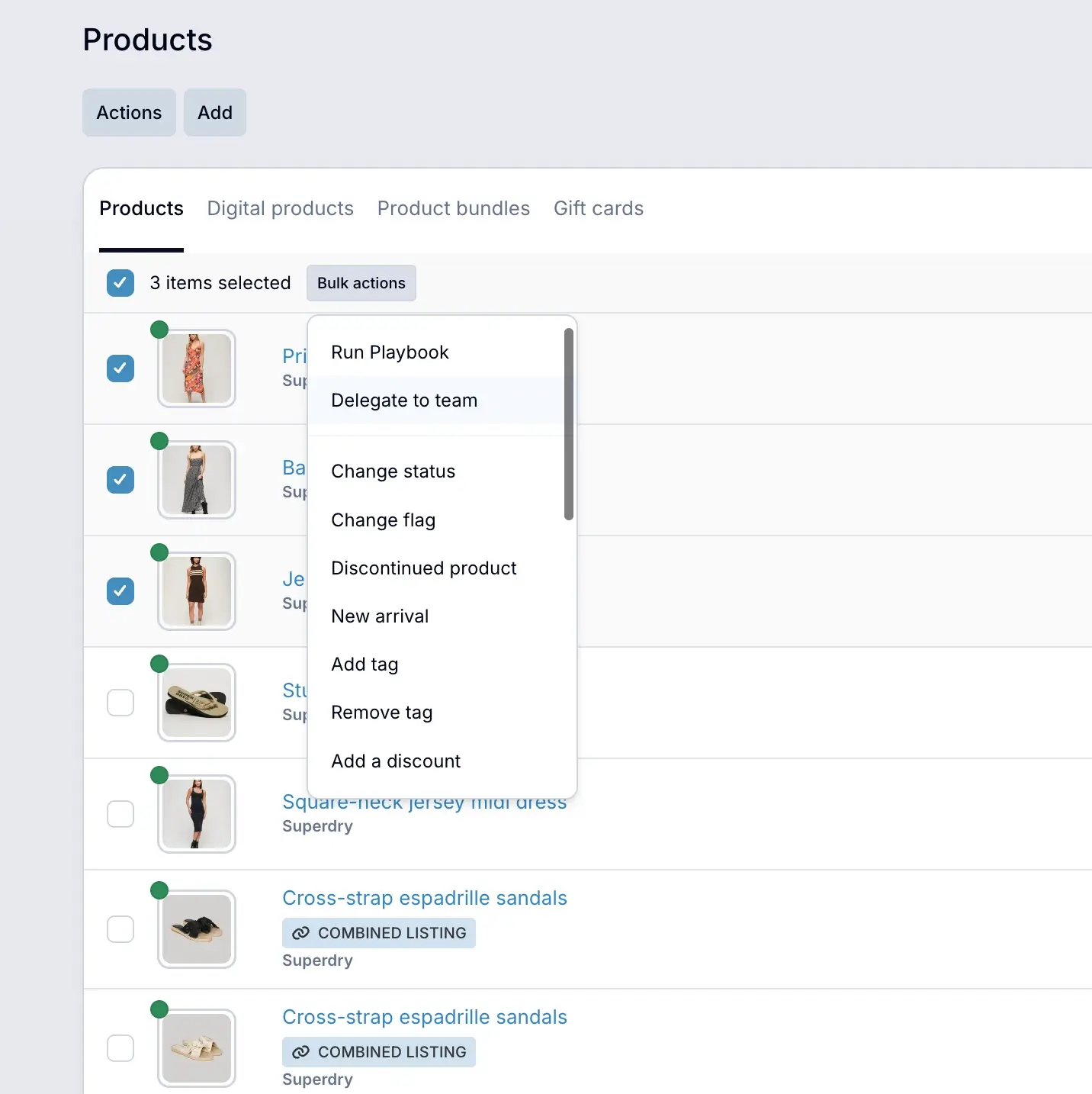
For repeating work, you can turn tasks into Playbooks that run step by step in the background.
Delegate work in plain language

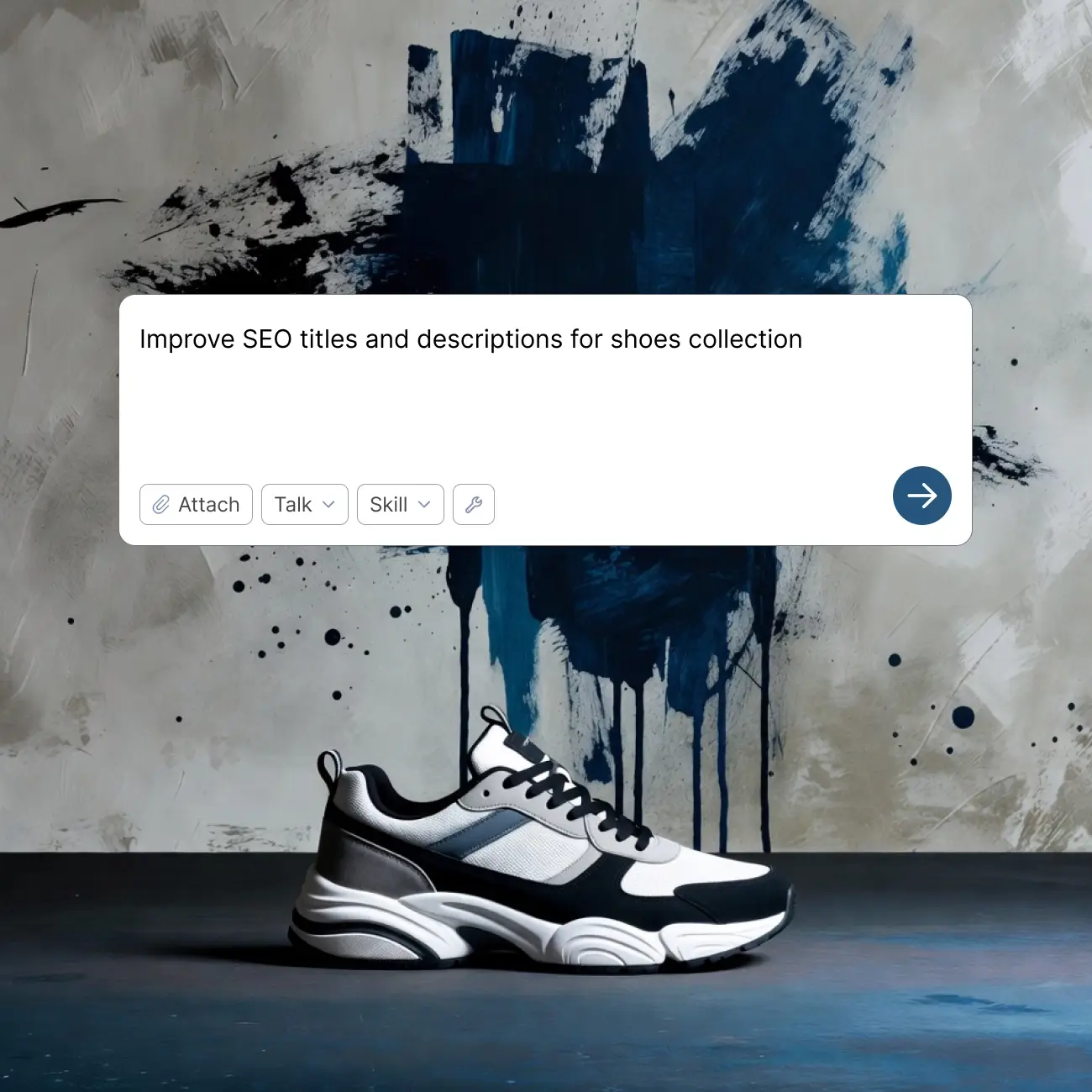
Finqu is designed so you can delegate work like you would to a teammate. Describe what you want, let the agents execute it, and track exactly what was done from the history log — so you move faster without bottlenecks.
Real examples:
  • “Improve SEO titles and descriptions for this collection.”
  • “Rewrite these product descriptions in a more premium tone.”
  • “Prepare a campaign draft for next weekend.”
  • “Standardize titles across our top 100 products.”
  • “Update homepage sections to match this promotion.”
Dashboard mockup
Dashboard mockup

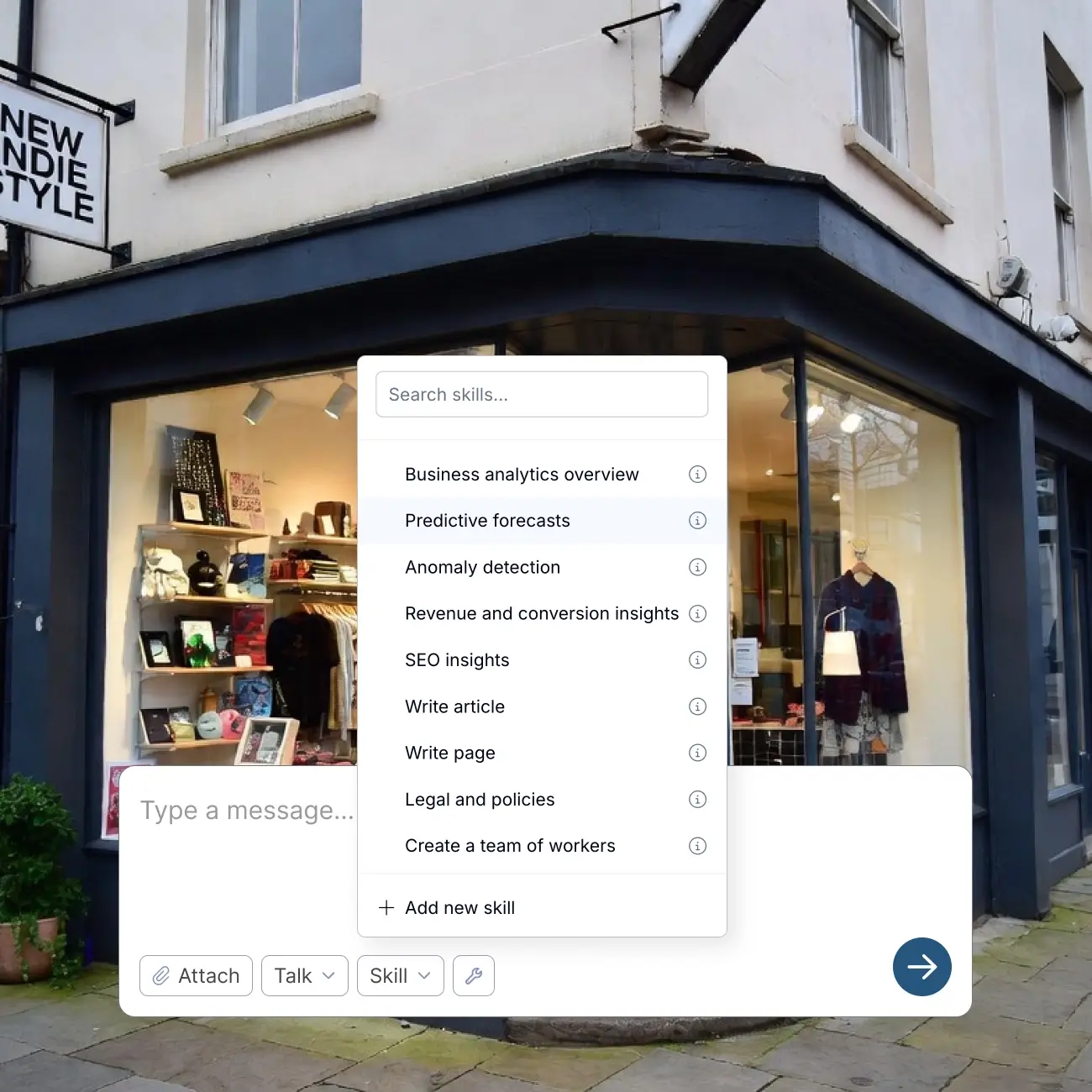
30+ skill areas for store improvement

Think of skills as capabilities you can delegate — not tools you need to learn. Start with what matters now, and expand as your business grows.
Common skill areas include:
  • Marketing and campaign execution support
  • SEO and content optimization
  • Product data cleanup and bulk updates
  • Storefront and theme adjustments
  • Performance summaries and improvement suggestions

Build your workforce

Ready-made specialists + customizable workers
Ready-made specialists: Start instantly with specialists built for real store work — campaign preparation, SEO upgrades, catalog cleanup, content refinement, and store improvements. You don’t need to design a process first; you can start with a proven capability and refine from there.
Custom workers with instructions: Create workers tailored to your business and fully customize how they operate. Choose the skills they should have, define their role, and add instructions that keep output consistent with your standards, tone, and rules.
Dashboard mockup

FAQ

Are AI agents included in Finqu?
Yes. Your digital workforce is powered by AI agents that can handle structured tasks and execute them independently.
What is a digital workforce in Finqu?
It’s a set of built-in workers you can delegate tasks to, plus the ability to create custom workers with defined skills and instructions.
Do I need AI knowledge to use it?
No. You delegate in plain language and review results like you would with a teammate.
Can I create my own workers?
Yes. You can create custom workers and guide their behavior with instructions.
What kinds of tasks can it handle?
Common tasks include marketing preparation, SEO improvements, product data updates, content upgrades, and store changes.
Can work run in the background?
Yes. Tasks can run in the background and everything they do is tracked transparently in the history log.
How do I keep control of changes?
You can track all executed tasks directly from the history log, ensuring you always know exactly what your team has done.
Avatar photoAvatar photoAvatar photo

Run a store with leverage

Build your workforce, delegate the busywork, and keep your store moving forward every week — without adding headcount at the same pace.
Get started in minutes. Try it free for 7 days.