Customize your setup around your business

Some businesses need more than a standard online store. They need custom buying flows, advanced product data, integrations with existing systems, internal tools, or a frontend experience built around their own brand and technology.
Finqu gives you a complete commerce platform to start from — and the flexibility to extend it when your business needs more.
Start with a commerce core. Extend what matters.

Theme customization

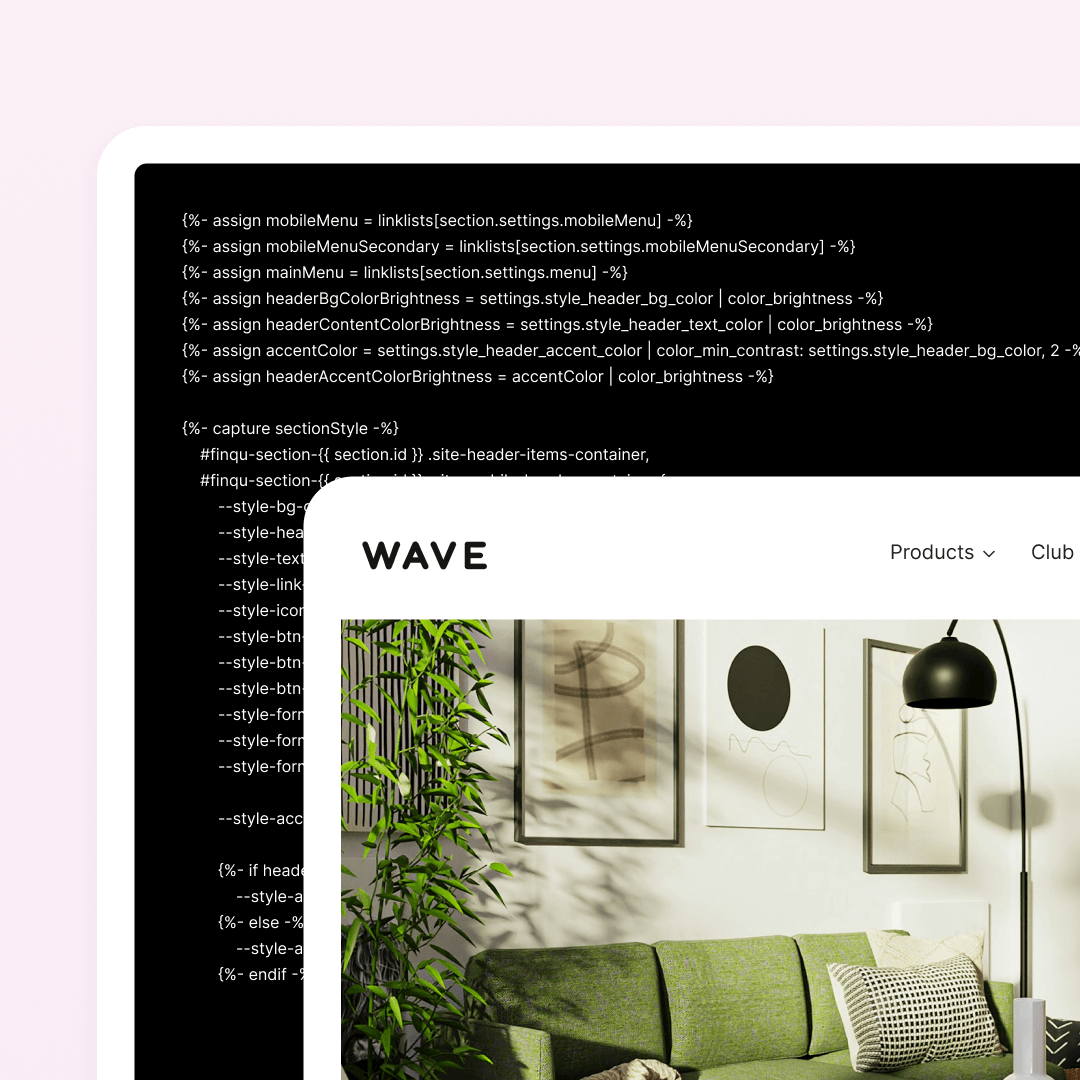
Edit the storefront experience with theme settings, custom content, and code-level theme work.

Headless storefronts

Use Finqu as the commerce backend and build the customer-facing frontend with your own technology stack.

Integrations

Connect commerce data with ERP, PIM, CRM, accounting, fulfillment, analytics, and other business systems.

Custom tools and apps

Build internal tools, apps, and workflow-specific interfaces around your team’s daily work.

Workflows and AI agents

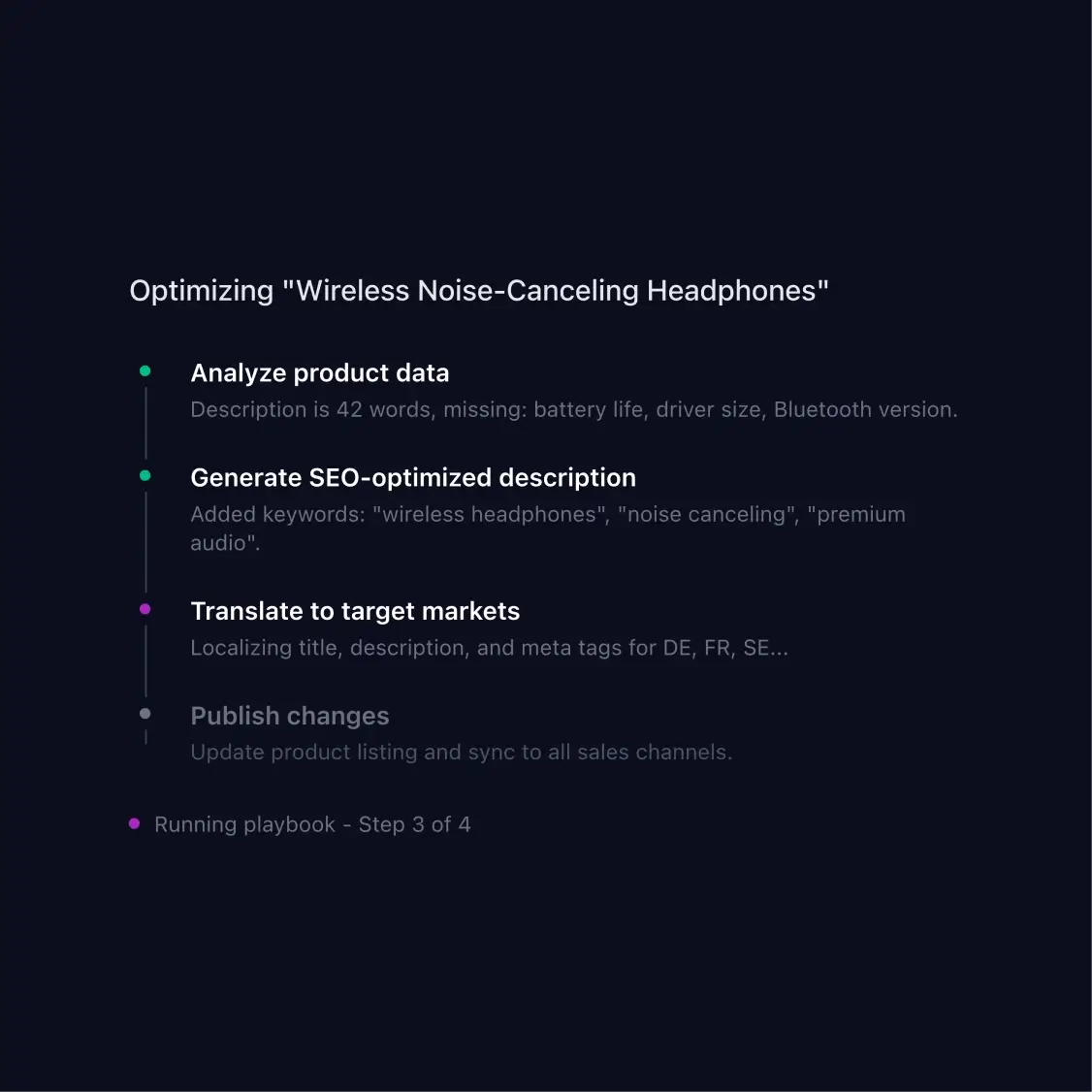
Use Playbooks, AI agents, and MCP Tools to structure recurring commerce work and connect external tools.

Theme customization

Sometimes a premium theme is the right starting point, but the standard setup is not enough. Your product pages may need richer storytelling. Campaigns may need custom landing pages. Collections may need to guide customers in a specific way. B2B buying flows may need different content, rules, or structures.
With Finqu, you can start from a theme and customize deeper when needed. Adjust layouts, content blocks, product pages, collection views, and theme logic — while staying inside the native storefront environment.
Examples of advanced theme customization:
· Campaign-led homepages and product drops
· Product pages with richer content and buying guidance
· Collections structured around customer intent
· Storefronts aligned with an existing brand system
· Custom landing pages for launches or seasonal campaigns
Dashboard mockup
Dashboard mockup

Headless storefronts

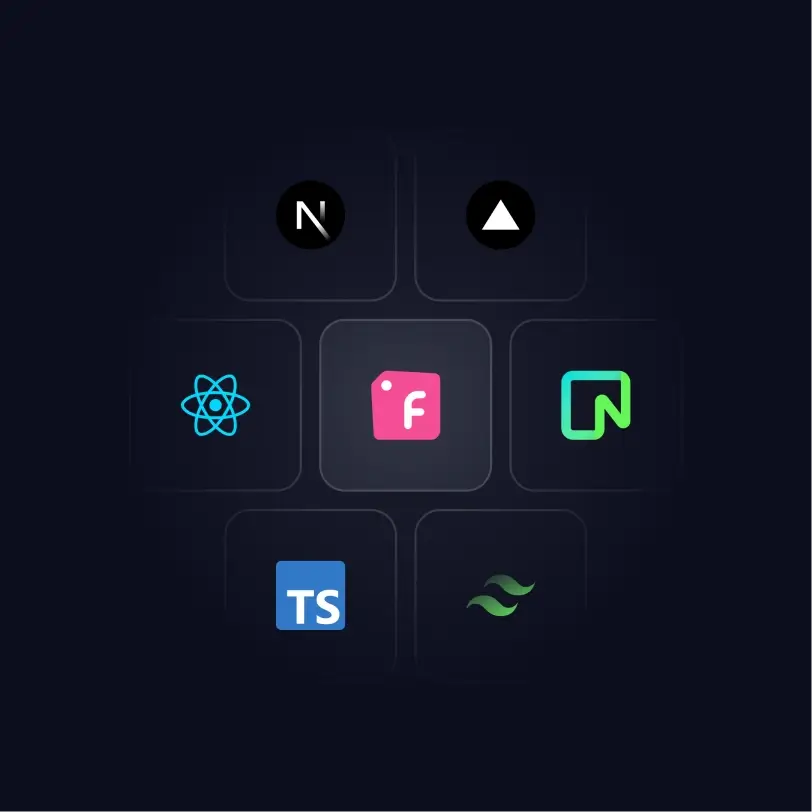
When the customer experience needs full freedom, you can use Finqu as the commerce backend and build the frontend separately.
This is useful when your brand has its own design system, frontend stack, content model, or customer experience that cannot be built inside a standard theme.
Your frontend team can build the user interface with the technology they prefer, while Finqu handles the commerce layer behind it: products, inventory, cart, checkout, payments, customers, and orders.
Example: Custom frontend, Finqu backend
A brand wants an editorial website with interactive product pages and a highly tailored buying experience.
The frontend is built with the team’s own stack. Finqu powers the commerce behind it: product data, stock, checkout, payments, customers, and orders.

Integrations

As your business grows, your store needs to work with the rest of your operations. Product data may live in a PIM. Stock may come from an ERP. Orders may need to move to fulfillment. Sales data may need to go to accounting. Customer data may need to flow into CRM, marketing tools, or analytics.
Finqu can connect with the systems around your business, so commerce becomes part of your operational setup instead of a separate island.
Example: Connected retail operations
A retailer manages stock and purchasing in an ERP, sells through Finqu, sends orders to a fulfillment partner, and exports sales data to accounting.
Finqu becomes the commerce layer that connects storefront, checkout, POS, products, orders, customers, and operations.
Common integration points:
ERP · PIM · Accounting · Fulfillment & 3PL · CRM · Marketing automation · Analytics · Internal tools
Dashboard mockup
Dashboard mockup

Custom tools and apps

Not every internal process fits into a standard dashboard. Your support team may need a custom order handling view. Your product team may need a focused catalog improvement tool. Your B2B team may need approval steps for new customers. Your operations team may need a workflow that combines data and actions from several systems.
Finqu can be extended with custom apps and internal tools that match the way your team actually works.
Example: Custom order handling
A customer service team handles complex B2B orders with notes, customer history, payment status, fulfillment steps, and follow-up tasks. Instead of switching between multiple systems, a custom tool brings the needed data and actions into one focused workflow.
Developer path: Apps, APIs, GraphQL, commerce data, developer tools, partner ecosystem.

Workflows and AI agents

Commerce work often repeats: improving product content, preparing campaigns, reviewing performance, checking catalog quality, following up customers, or handling operational routines.
With Playbooks, AI agents, and MCP Tools, these routines can become structured workflows. You stay in control. Finqu helps make the work more consistent, repeatable, and easier to move forward.
Example: The weekly growth workflow
A workflow identifies products that need attention, prepares improved product content, suggests campaign ideas, and gives your team clear actions to review. The work does not start from a blank page every week. The process becomes easier to repeat.
Where MCP Tools fit
MCP Tools allow AI agents and Playbooks to work with external systems. They can fetch data, trigger actions, and return structured results back to Finqu. That means workflows can use the tools around your business — not only the data inside your ecommerce platform.
Dashboard mockup

Bring in experts when your setup needs more

More advanced setups often need the right combination of design, development, integration work, and commerce experience.

Finqu partners can help with theme customization, headless storefronts, ERP and PIM integrations, custom apps, workflow automation, migrations, and more demanding commerce projects.

Avatar photoAvatar photoAvatar photo

Build on a platform that can go further

Start with a complete commerce core. Customize the storefront, frontend, integrations, apps, and workflows when your business needs more.
Get started in minutes. Try it free for 7 days.